

For YouTube channels, faceless or not
We make the video. You press publish.
Give Nightshift a topic. It writes, voices and edits a YouTube video, then waits for your OK. You see the price before anything starts.
100 free credits, once, when you sign up. No card.
A video in the app: 60 credits a minute of finished video
- You see the price first
- A failed run costs nothing
- Nothing goes public without you
- Topic
- Plan
- Approve
- Live
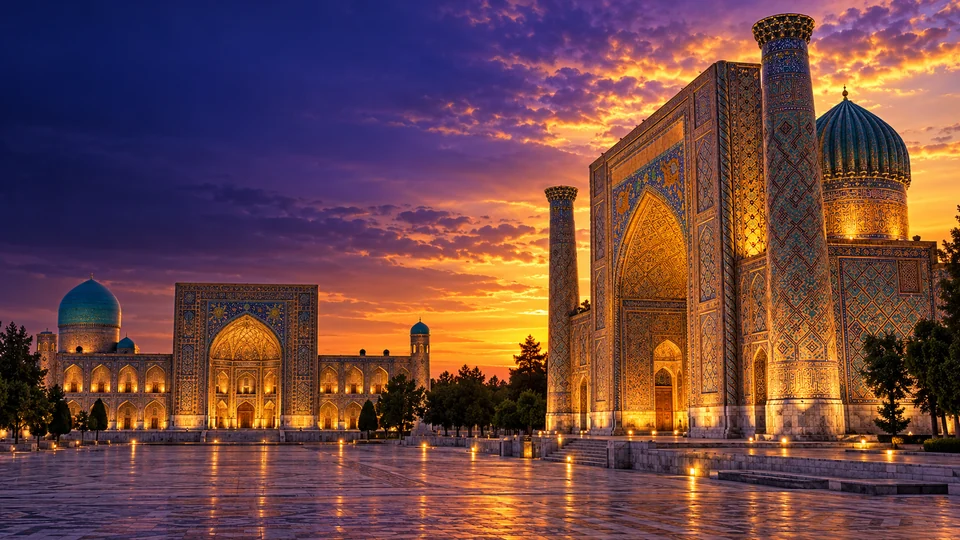
Make a video about why the Silk Road ran through Samarkand.
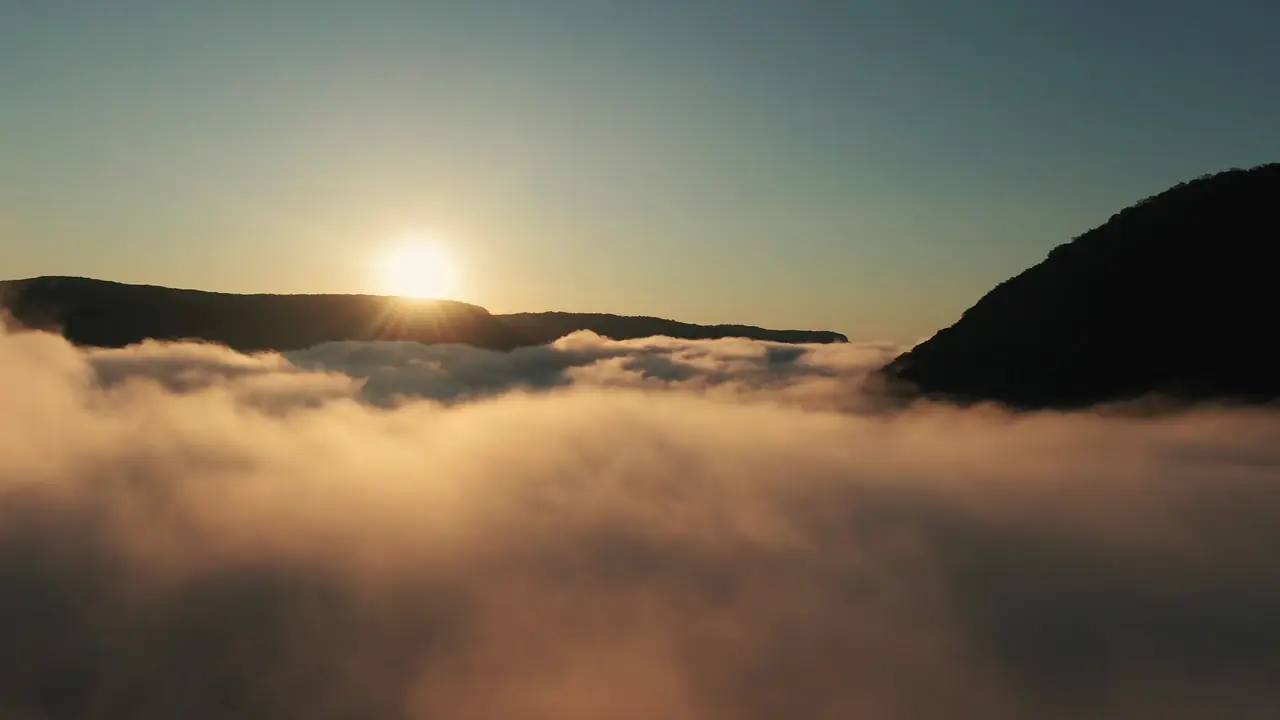 Example frame (stock footage)Example clip (stock footage)Video: K / Pexels
- Private on YouTube
- Publish check passed
- Waiting for you
Three steps. The last one is yours.
Give it a topic
Type a line, or let your channel pick its next topic from its niche. Nightshift writes the script, the voice, the visuals and the captions.
Start it at a price you have seen
The price is on the button before anything starts. If a run fails, the credits come back on their own.

Watch it, then publish
The video waits on YouTube as private. You watch it and record your decision in the app. Until it is made public it stays private: you make it public on YouTube or, where someone who manages the workspace has switched on “Publish when approved” for the channel, approving that exact version asks YouTube to do it.
What Nightshift can make
AI-generated pictures of each tool
 ImageFrom a description, in the shape you need
 Video clipA short clip from text or a picture
 VoiceText to speech, in the channel’s voice
 EditChange a picture by typing
 AnimateBring a still picture to life
 UpscaleSharper and larger
 Cut outRemove the background
 Styles28 written art directions, or your own kit from 3–12 picturesNo credits
EditorTrim, split, add text and musicNo credits
The pictures stand for the tools. They are AI-generated decoration, not what the tools make. Each tool shows its price on its button, except the ones that cost no credits.
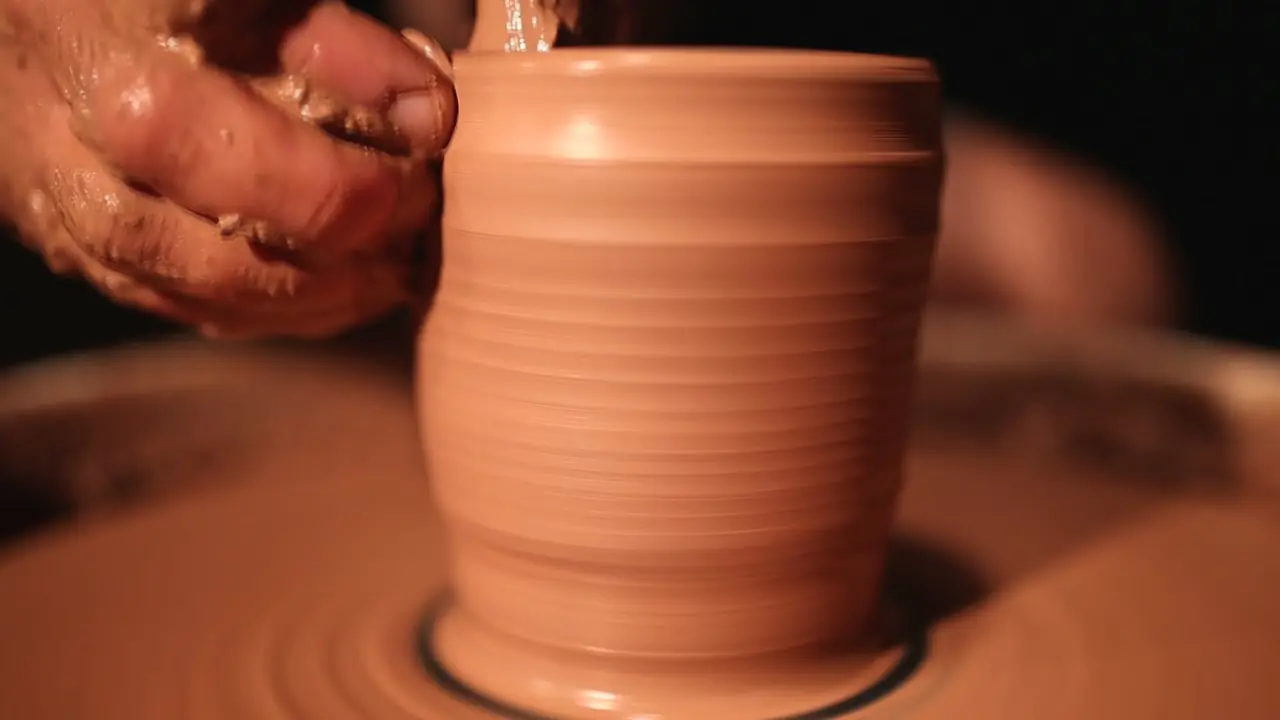 Example frame (stock footage)Example clip (stock footage)Video: AP Vibes / Pexels
Studio
Need just one piece? The Studio makes it.
Make one picture, clip or voice-over at a time, then cut them together in the editor. Each tool shows its price on its button.
Open the StudioThese pictures are stock photos and footage from Pexels contributors, credited on each picture and in the footer. They show the kind of picture a video can use, not output from a real account. Where a picture moves, it is the contributor’s footage, looped.
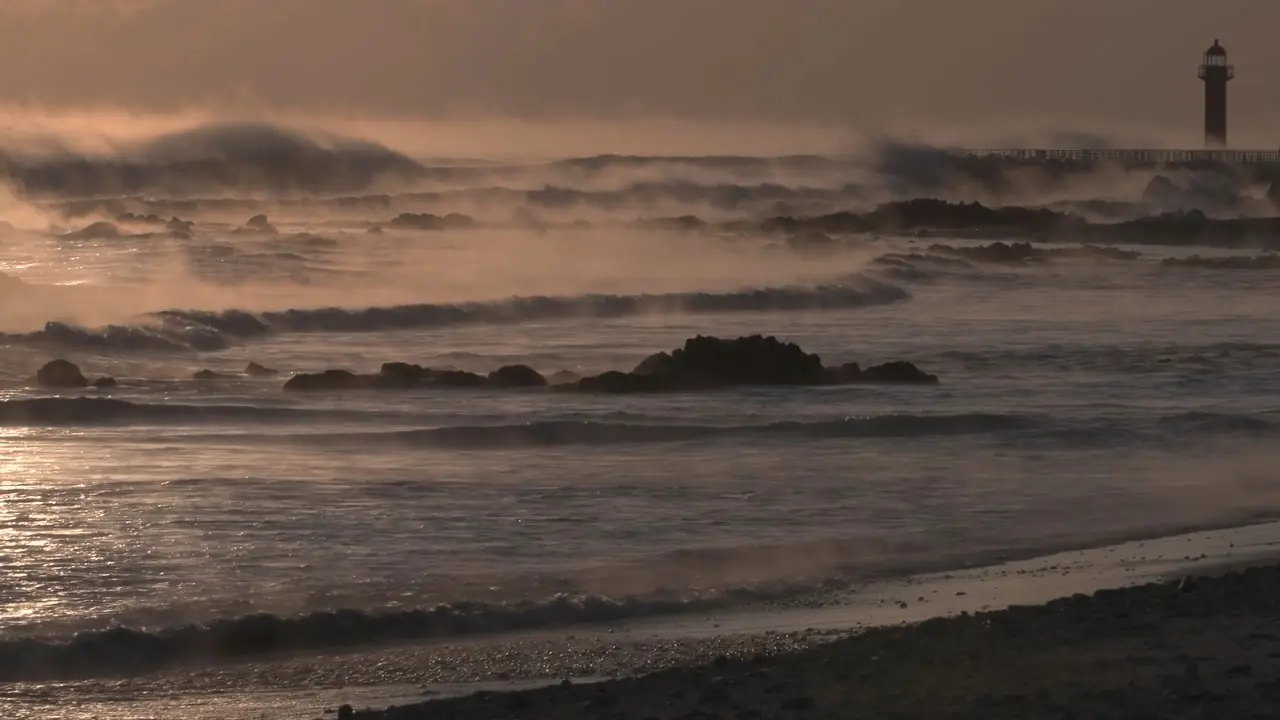 Example frame (stock footage)Example clip (stock footage)Video: Nui MALAMA / Pexels
Approvals
Nothing airs until you say so.
Finished videos upload to YouTube as private and pass a publish check first. Nothing goes public until you say so.
See how approval worksThese pictures are stock photos and footage from Pexels contributors, credited on each picture and in the footer. They show the kind of picture a video can use, not output from a real account. Where a picture moves, it is the contributor’s footage, looped.
Try an example
Type a topic. See what the plan looks like.
A hands-on example. Nothing is generated here and nothing leaves your browser: it only shows the shape of a plan.
Working titles
- DirectWhy the Silk Road ran through Samarkand: the part nobody explains
- CuriousWhat really happens in “Why the Silk Road ran through Samarkand”
- PlainWhy the Silk Road ran through Samarkand, in plain words
Script outline
- HookOpen on the one question behind “Why the Silk Road ran through Samarkand”.
- ContextWhat people need to know before the turn.
- The turnThe fact that changes the picture.
- ProofWhat the script was checked against.
- CloseOne takeaway and a reason to watch the next one.
Voice and look
- NarratorYour channel’s voice, in its language.
- VisualsIn your channel’s look.
- CaptionsOn, in the channel’s language.
Shot list
- OpeningA wide shot that sets the scene for “Why the Silk Road ran through Samarkand”.
- MiddleClose details that carry each point.
- EndingA calm pull-back under the closing line.
Thumbnail brief
- SubjectOne clear subject from “Why the Silk Road ran through Samarkand”.
- WordsThree words or fewer on the picture.
- ColourHigh contrast, one warm accent.
 Example
A drawn stand-in: your words, as the thumbnail would carry them. The background of this example is an AI-generated image.
In the real thing the plan is researched and checked, the price is on the button, and nothing goes public without you.
Pay for what you make. Never for a failure.
Nightshift runs on credits. A plan brings a monthly allowance; one-time packs top up with or without a plan.
Quote for this video
- Quote5 min × 60 credits a minute
- HoldSet aside when the run starts
- 300 credits
- ChargeWhat it used, never more than the hold
- At most 300 credits
- ReturnThe rest — or all of it, if the run failed
- The rest
No run is quoted below 30 credits.
Your 100 free credits cover about 1 min of finished video at this rate.
Held when it starts. Charged on finish, never more than the quote. A failed run returns it all. From the live price list.
Monthly plans
Plans are billed monthly. Cancel any time.
- On sign-upFree
100 credits, once. No card.
- Plus19 USDa month
2,000 credits / month≈ 33 min of finished video a month at the current per-minute rate
- Pro49 USDa month
6,000 credits / month≈ 100 min of finished video a month at the current per-minute rate
- Business129 USDa month
18,000 credits / month≈ 300 min of finished video a month at the current per-minute rate
FAQ
Before you buy anything.
Can I cancel my plan?
Yes, any time, in Manage subscription on the Credits page. The plan stays active until the end of the period you paid for and does not renew after it. Top-up packs are one-time payments and never renew.
Terms: credits and refundsCan I get a refund?
Payments are handled by Paddle, which processes refund requests under its Buyer Terms and applicable law. When a purchase is refunded, the credits it added are removed as far as they are still unused. Credits held for a failed run come back on their own.
Terms: credits and refundsWhat happens to unused credits?
Plan credits are valid for the billing period they arrive in and do not roll over. Top-up credits are spent after plan credits and follow the expiry shown on the Pricing page.
See pricingDo I need a card to sign up?
No. You create an account with your email and get the welcome credits once. You pay only when you choose a plan or a credit pack.
Can it publish something without me?
Only if you let it. Uploads are private by default and every video passes a publish check first. Auto-publish is off unless you turn it on for a channel. “Publish when approved” is also off by default: someone who manages your workspace switches it on per channel, and then approving that exact video in the app asks YouTube to make it public. Otherwise you make a video public yourself, on YouTube.
What do you do with my data?
Your Google data is used only to upload to the channel you connect and to show that channel's analytics to you — never for advertising. Access tokens are encrypted and never reach the browser, and you can revoke access at any time.
Read the Privacy Policy Photo: Eve R / Pexels
Put your next video on the night shift.
Start free. See the price before every run, and every video stays private until you make it public.